On this page
AI after-hours answering with emergency escalation solves the hardest part of after-hours calls. Answering is the easy part. The hard part is deciding, at 2 a.m., which call wakes someone up, and then reaching that person fast. This guide explains how an AI agent handles emergency escalation, the rules you need to write and how to test it.
How emergency escalation works on an AI after-hours call
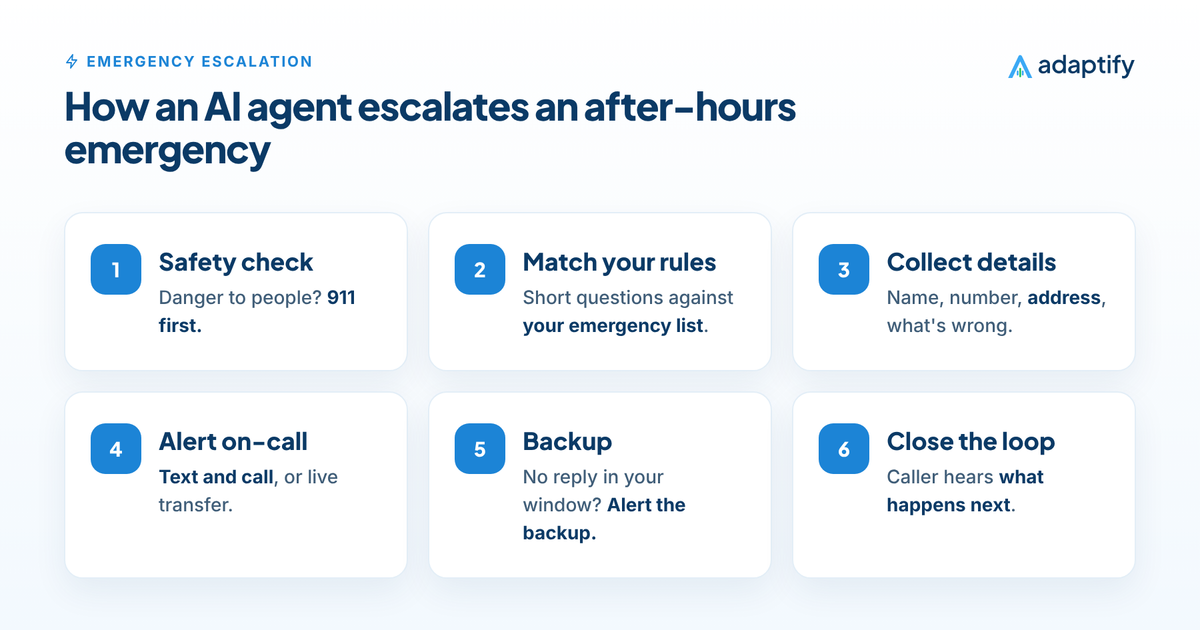
- Safety check. The agent asks about immediate danger first: gas, fire, smoke, carbon monoxide, injury or a medical crisis. If yes, the caller is told to call 911 or their utility right away.
- Triage against your rules. The agent asks short questions to match the situation to your emergency list.
- Collect what your on-call person needs. Name, callback number, address and what is wrong, in one clean summary.
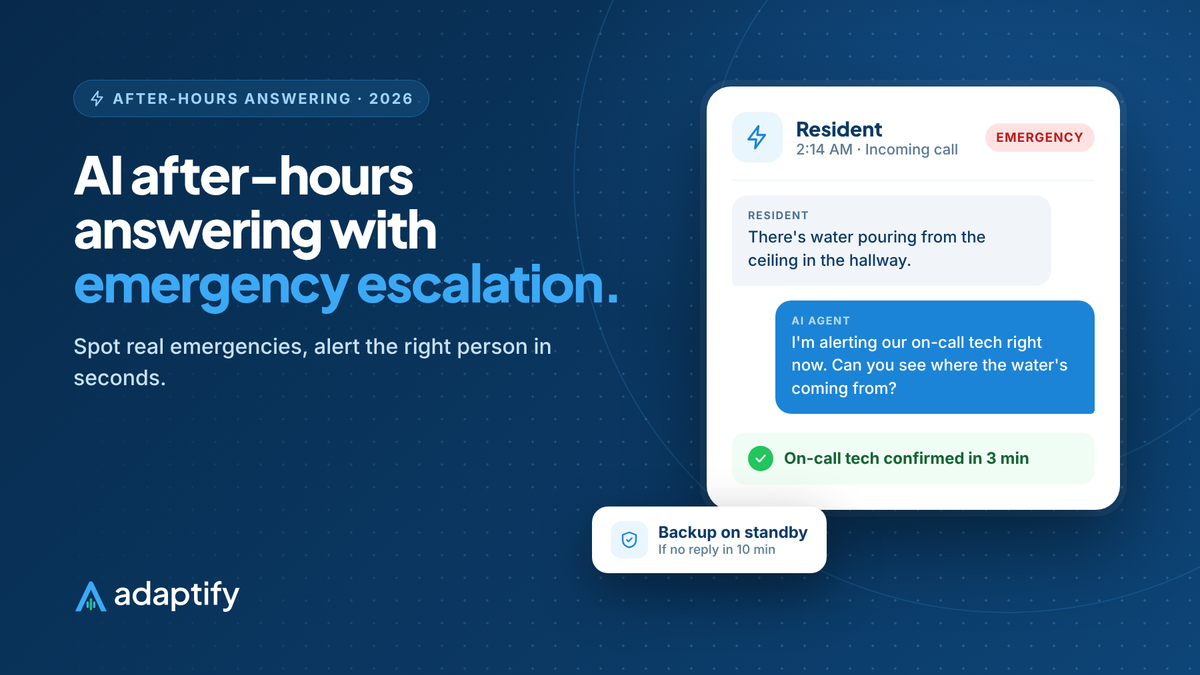
- Alert the on-call contact by text and call. If your rules allow, the agent transfers the caller live.
- Wait for confirmation. If no one confirms within your response window, the agent alerts the backup, then the owner.
- Close the loop with the caller. The caller hears what happens next and when, and gets a text confirmation.
All of it is logged with a recording and transcript, so you can see exactly how each emergency was handled.
Write your emergency rules before launch
Every escalation plan starts with a written list. Here is a simple structure any business can use:
- Life safety: danger to people right now. The caller is told to call 911 or the utility first, then your team is alerted.
- Emergency: serious damage or harm if it waits until morning. Your on-call person is alerted now.
- Urgent: needs attention soon, but can wait for the first slot tomorrow. The agent books it or flags it.
- Routine: everything else. The agent books it or logs it for the next business day.
Examples differ by industry. A burst pipe is an emergency for a plumber, a resident with no heat in January is an emergency for a property manager and a dog that ate chocolate can be an emergency for a vet. Our industry guides include starting rules for plumbing, HVAC and electricians.
The on-call plan: who, how and how fast
An AI after-hours answering agent is only as fast as your on-call plan. Decide:
- Primary contact for each night or week.
- Backup contact if the primary doesn't respond.
- How to reach them: text, call or both. Most teams want both for emergencies.
- Response window: how long before the backup is alerted, often 10 to 15 minutes.
- Live transfer or callback: should the agent connect the caller directly, or should your on-call person call back?
- Message format: what the alert says, so your tech can act without calling the customer to repeat everything.
Why AI escalation beats voicemail and message-taking
- No missed emergencies. Voicemail can't triage. Fewer than 3% of callers sent to voicemail leave a message, according to Invoca. (Invoca)
- Seconds, not minutes. The alert goes out the moment the emergency is confirmed.
- The same rules every time. No operator who forgot the safety question.
- Fewer false alarms. Routine calls are booked or logged instead of waking your team, which keeps your on-call rotation sustainable.
How to test emergency escalation
- Call your line at night as a real customer with a real-sounding emergency.
- Time how long until your on-call phone rings and the text arrives.
- Don't answer, and confirm the backup gets alerted on time.
- Call with a routine request and confirm it doesn't wake anyone up.
- Read the transcripts the next morning and adjust the rules.
Adaptify: AI after-hours answering with emergency escalation
Adaptify builds, launches and manages your AI after-hours answering agent with emergency escalation built in. It asks safety questions first, follows your emergency list, alerts your on-call person and backup by text and call, transfers live calls when you want, books routine calls and logs everything. It is built on a voice platform that is HIPAA, SOC 2 and PCI DSS compliant, and goes live in 6 days.
Read the full guide to after-hours answering services, see how the agent books appointments, check pricing or request your agent.
Sources
Frequently asked questions
What is emergency escalation in an answering service?
It is the process of getting an urgent call to the right person fast. The service recognizes the emergency, alerts your on-call contact with the details and, if they don't respond in time, alerts a backup.
How does an AI agent know a call is an emergency?
From the rules you give it. You list what counts as an emergency for your business, like a burst pipe, no heat in freezing weather or a pet that ate something toxic, and the agent asks questions to match the caller's situation to that list.
How does the AI alert my on-call person?
Usually by text and phone call, with the caller's name, number, address and a short summary. It can also transfer the live call to your on-call person if your rules say so.
What happens if my on-call person doesn't answer?
A good escalation plan sets a response window, for example 10 minutes. If the primary contact doesn't confirm, the agent alerts the backup, then the owner if needed.
Will the AI tell callers to call 911?
It should, for life-safety situations like a gas smell, fire, smoke, carbon monoxide alarms, injuries or medical emergencies. That instruction should come before anything else on the call.
Can I change what counts as an emergency?
Yes. Emergency rules often change with the season, like no-cooling calls in a heat wave. With a managed AI agent, you request the change and it is updated and retested.